Remote Support
REMOTE SUPPORT allows the Service Desk team to connect to your computer to assist you with technical issues. You will need to download the Remote Support software by following the instructions below.
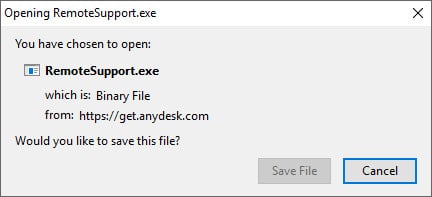
1. Click the appropriate link to download the Remote Support application (either Windows PC or Mac OSX).
2. Open the Remote Support application.
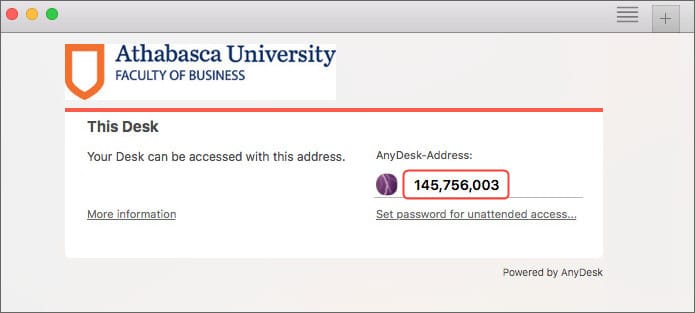
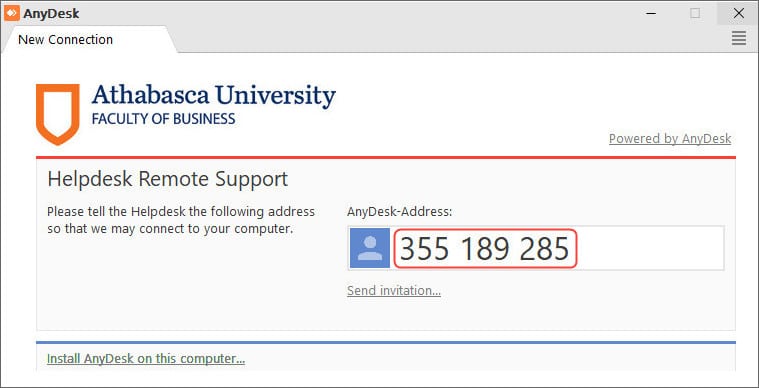
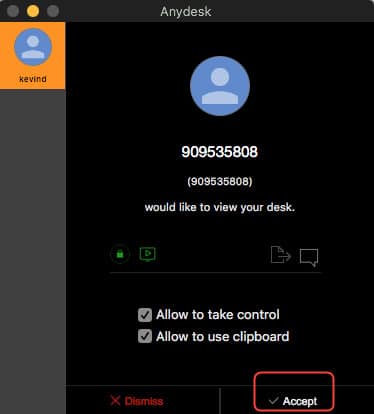
3. Provide the address displayed on your screen to the Service Desk Analysts.
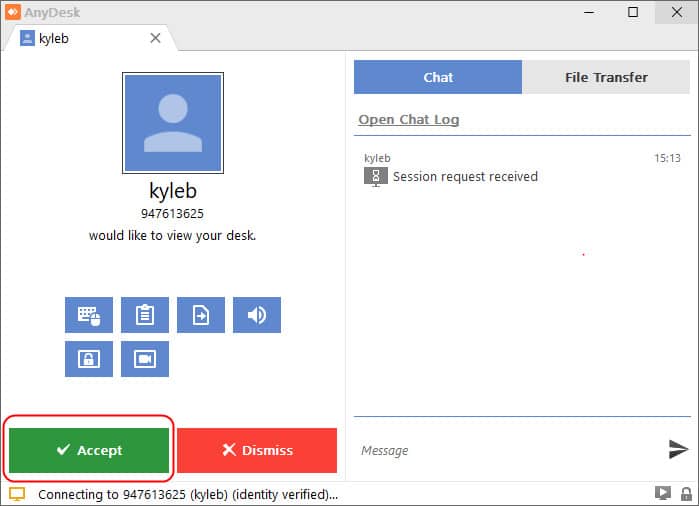
4. Click Accept and the Service Desk Analysts will connect to your computer to assist you.
Updated October 30, 2026 by Digital & Web Operations (web_services@athabascau.ca)